The Git Fetch Error That Opened My Eyes to How Git Really Stores Branches
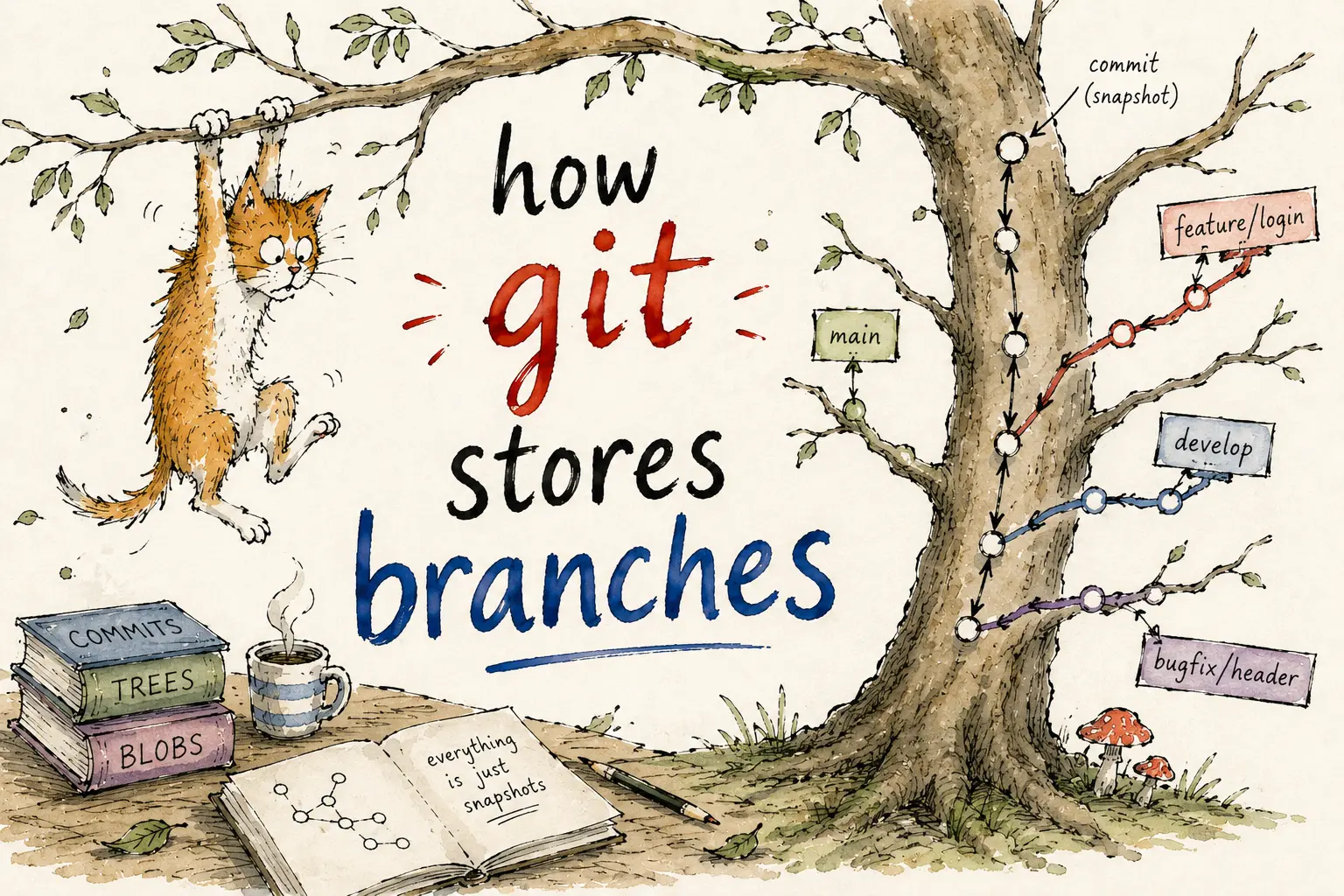
FYI, this article is more of a summary of the lengthy conversation I had with Chat GPT while trying to understand a specific Git error. I wanted to share the insights in a more concise and readable format, so I’ve distilled the key points here.
I recently ran into one of those Git errors that looks small at first glance but ends up teaching you something way deeper than expected.
I had just run:
git fetchAnd Git responded with this:
error: cannot lock ref 'refs/remotes/origin/version-bump/0.4.1': 'refs/remotes/origin/version-bump' exists; cannot create 'refs/remotes/origin/version-bump/0.4.1'Instead of copying the suggested fix and moving on, I decided to actually understand what was going on. This article walks through that investigation.
The error isn’t random at all
What Git is telling you here is pretty straightforward once you see it:
I already have something named
version-bump, and now you’re asking me to createversion-bump/0.4.1. That structure doesn’t work.
Once you read it that way, the error stops feeling cryptic and starts feeling like a file system problem.
The mental model that makes it click
Here’s the simplest way to think about it:
Git branch names behave like paths in a file system.
If Git sees a branch named version-bump, it treats it like a single file-like reference. But if it also needs to store version-bump/0.4.1, it now requires version-bump to behave like a folder — with 0.4.1 nested inside it.
A path cannot be both a file and a folder at the same time. That’s exactly where the conflict comes from.
Why this shows up in real projects
This usually comes up in teams where branch naming evolves over time. Maybe someone first created a branch like:
version-bumpThen later, another developer starts using a more structured convention:
version-bump/0.4.1
version-bump/0.4.3
Git now has a naming conflict — the old name sits there like a file, while the newer style needs a directory structure underneath it. Fetch starts failing, and suddenly everyone is staring at a confusing error instead of actual code.
Git is storing refs, not just labels
This is the deeper insight worth taking away from this.
Git doesn’t store branches as abstract labels floating in some cloud. It stores references (or refs), and those refs live inside a structure that behaves like files and directories.
Remote-tracking branches like origin/main or origin/feature/login are local pointers that Git keeps to remember what the remote looked like the last time you fetched.
So when Git says it cannot create refs/remotes/origin/version-bump/0.4.1, it literally means the local ref structure doesn’t allow that layout — because version-bump already occupies that path in a conflicting form.
What git remote prune origin actually does
Git often suggests running:
git remote prune originOnce you understand refs, this stops feeling like a mysterious spell. What it does is remove stale remote-tracking branches from your local repo — branches that no longer exist on the remote but your local Git is still holding a pointer to.
Think of it like cleaning out an old contacts list. If your phone still has someone saved who no longer exists in your network, that stale entry can cause confusion when organizing things into groups. Prune removes it so the new structure can fit.
It doesn’t delete your local commits or any of your actual work. It just clears out old local pointers to branches that are gone from the remote.
The branch naming rule to carry forward
Here’s the key rule after all of this:
Don’t use a branch name that is also the parent path of another branch name.
For example, having both fix/issue and fix/issue/retry in the same repo creates a conflict, since fix/issue becomes a blocking parent path for the second one. The same thing happened with version-bump and version-bump/0.4.1.
The fix is simple — commit to one convention and stay consistent. Some safer alternatives:
fix-issue-retry
fix-issue-v2
version-bump-0.4.1
Or, if you prefer the slash-separated style:
fix/issue/retry
fix/issue/retry-again
Just avoid creating fix/issue as a separate standalone branch in the same repo.
Conclusion
This one error turned out to be a surprisingly clear window into how Git actually stores branch information. Once you start thinking of branch names as file paths, a lot of Git’s stranger behavior starts making sense — and the confusing errors become predictable rather than random.
The next time you hit a ref conflict, ask yourself: what structure is Git trying to build here, and does an old name already occupy that space? That single question can save you a lot of time.
I hope you found this useful. Thanks for reading! 🙂